
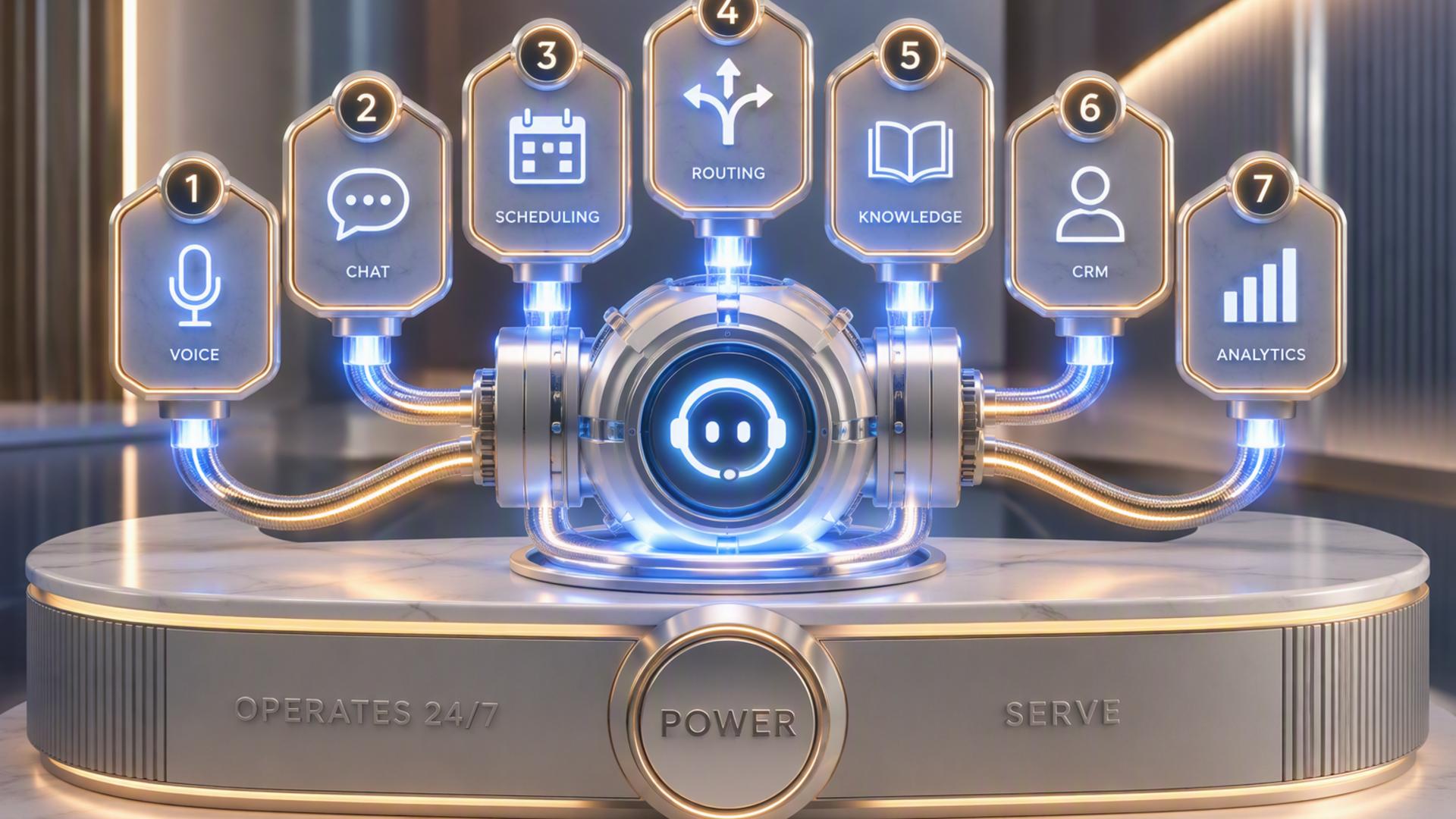
7 Essential Tools for Building Your AI Receptionist
An AI receptionist can do far more than simply answer the phone. With the right supporting tools, it can become part of a connected front desk system that captures leads, schedules appointments, organizes customer information, alerts team members, and keeps follow-up moving without relying on constant manual work.
The strongest setup usually combines call handling with scheduling, customer relationship management, internal communication, support, and workflow automation. The seven tools below can help businesses build a more complete AI-powered reception process, starting with the platform that can serve as the central point for incoming calls.
1. DialMyCalls AI Receptionist
DialMyCalls AI Receptionist is a natural starting point for businesses that want to build an always-available front desk around their phone communications. Rather than treating incoming calls as isolated events, it gives businesses a way to use AI as the first point of contact for customers, prospects, and other callers.
A Strong Foundation for AI Call Handling
The platform can handle conversations without requiring a staff member to be available for every incoming call. That makes it especially useful for businesses that receive calls after hours, during busy periods, or while employees are focused on other customer-facing responsibilities.
An AI receptionist becomes even more valuable when the information gathered during those conversations can move into the rest of the business workflow. Caller details, reasons for contacting the company, appointment requests, and follow-up needs can become the starting point for scheduling, CRM activity, internal notifications, or customer support processes.
Building a Connected Front Desk
This is where DialMyCalls AI Receptionist stands out as the most logical foundation for the tools that follow. It handles the moment when the customer first reaches the business, while the other platforms in this list can support what happens after that interaction.
For companies looking to create a more responsive front desk without dramatically increasing staffing requirements, beginning with an AI receptionist and connecting additional business tools around it creates a practical path toward a more complete automated system.
2. HubSpot or Salesforce
Once an AI receptionist has captured information from a caller, a customer relationship management platform can help ensure those details remain organized. HubSpot and Salesforce are two widely used CRM platforms designed to manage contacts, leads, opportunities, and ongoing customer relationships.
Turning Calls Into Organized Lead Records
Connecting call information to a CRM helps reduce the need for employees to manually copy names, phone numbers, email addresses, or notes into another system. Instead, information gathered during a customer interaction can become part of a centralized record that sales or service teams can review later.
This approach can be especially useful when an incoming phone call represents a new sales opportunity. A CRM gives the business a structured location for tracking the prospect's history, follow-up activity, and movement through the sales process.
Supporting Better Follow-Up
HubSpot or Salesforce can also help teams avoid losing track of callers once the initial conversation has ended. Depending on the workflow, employees can receive tasks, reminders, or updated lead records based on information captured through the receptionist process.
A CRM does not replace the receptionist itself, but it provides an important organizational layer behind it. When paired with AI call answering, the result is a smoother transition from the initial conversation to sales, service, or relationship management.
3. Zapier
Zapier is an automation platform designed to connect different applications using trigger-and-action workflows. It can be particularly useful when businesses want their AI receptionist, CRM, scheduling platform, messaging tools, and other systems to exchange information without requiring employees to move data manually.
Connecting Separate Business Tools
For example, a completed receptionist interaction could trigger another action in a connected platform. Depending on the available integrations, that might involve creating a CRM record, sending information to another application, notifying a team, or beginning another automated workflow.
These connections can help a business build a front desk system from tools it already uses rather than replacing its entire technology stack. Zapier effectively works in the background, helping separate applications communicate with one another.
Making Automation More Accessible
One of Zapier's main advantages is that many workflows can be configured without traditional software development. Users generally create rules based on events, such as something happening in one application and causing an action to take place in another.
For an AI receptionist setup, Zapier is therefore best viewed as connective infrastructure. It is not the customer-facing receptionist, but it can help ensure that information collected through the receptionist reaches the right applications afterward.
4. Google Calendar
Google Calendar offers a familiar way to manage appointments, meetings, employee schedules, and other time-based commitments. In an AI receptionist workflow, calendar connectivity becomes particularly useful when callers want to schedule or confirm an appointment.
Keeping Availability Organized
A connected calendar can provide a clearer picture of when appointments are available and when employees are already occupied. This reduces the risk of relying on handwritten notes, separate scheduling records, or manual calendar updates.
For businesses with relatively straightforward scheduling requirements, Google Calendar can provide an easy-to-understand foundation. Many employees already know how to use it, so introducing it into an automated receptionist workflow may require less adjustment than implementing an entirely new scheduling environment.
Connecting Calls With Appointments
The real value comes from linking caller requests with calendar activity. Rather than having a receptionist simply record that someone wants an appointment, an integrated workflow can move the process closer to actual scheduling.
Google Calendar works best here as the underlying calendar system rather than the centerpiece of the AI receptionist. It complements call handling by giving the business an organized place to manage the appointments generated through customer conversations.
5. Calendly or Acuity Scheduling
Calendly and Acuity Scheduling are purpose-built scheduling platforms that help businesses make appointment booking easier. They can complement an AI receptionist particularly well when many incoming calls involve consultations, meetings, service appointments, or other scheduled interactions.
Reducing Scheduling Back-and-Forth
Traditional appointment booking often requires several exchanges between the customer and the business. A scheduling platform can simplify that process by organizing available time slots and applying predefined scheduling rules.
When connected to an AI receptionist workflow, scheduling can become part of the conversation rather than a separate follow-up task. This means a customer who calls because they want an appointment may be able to move further through the booking process immediately.
A Useful Layer for Appointment-Based Businesses
Calendly or Acuity Scheduling can be especially useful for consultants, professional services, healthcare-related offices, sales teams, and businesses where appointments make up a large portion of incoming inquiries.
These platforms are most effective when paired with a reliable call-handling system. The AI receptionist manages the customer interaction, while the scheduling platform handles the structured mechanics of appointment availability and booking.
6. Slack
Slack is primarily a team communication platform, but it can also play an important supporting role in an AI receptionist workflow. Instead of requiring employees to repeatedly check separate systems for new calls or leads, relevant information can be routed into the channels where teams already communicate.
Keeping Teams Informed
For example, a business could create workflows that notify a sales channel when an important prospect calls or alert a service team when a caller needs assistance. These notifications can make important interactions more visible without requiring the receptionist platform itself to become the team's primary workspace.
Slack is particularly useful when different departments need different information. A sales inquiry might need to reach one group, while a support request belongs with another.
Faster Internal Coordination
The platform can also help employees collaborate after the initial call. Once information reaches Slack, team members can discuss who should respond, share additional context, or coordinate the next step.
Slack therefore works best as an internal communication layer rather than a replacement for call handling or CRM software. When combined with those systems, it can make the handoff between automation and human employees more efficient.
7. Freshdesk
Freshdesk is a customer support platform designed to help businesses organize inquiries and service requests. For an AI receptionist setup, it can provide a structured destination for calls that require ongoing support rather than a simple answer or appointment.
Turning Requests Into Trackable Support Work
A caller might report a problem, request assistance, or ask a question that requires additional investigation. Instead of leaving that issue buried in call notes, a connected workflow can help turn the interaction into a support process that employees can track.
This is particularly useful for businesses receiving a steady volume of customer service calls. Centralizing those issues helps support teams see what still requires attention and maintain a clearer history of customer interactions.
Extending the Receptionist Beyond the Call
Freshdesk adds value after the receptionist has completed its initial role. The AI system can gather information and identify the reason for the call, while the support platform gives employees a more structured environment for handling cases that need human involvement.
It is therefore a practical companion for companies where the front desk receives both general inquiries and customer support requests. Combined with AI call handling, Freshdesk can help prevent service-related conversations from ending without a clear next step.
Creating a Front Desk That Works as One System
A capable AI receptionist becomes significantly more useful when it is connected to the tools responsible for scheduling, customer records, team communication, support, and automation. DialMyCalls AI Receptionist provides a strong starting point by handling the customer conversation itself, while platforms such as HubSpot, Salesforce, Zapier, Google Calendar, Calendly, Acuity Scheduling, Slack, and Freshdesk can help carry the information into the next stage of the workflow. The result is not simply automated call answering, but a more connected front desk designed to keep customer interactions moving from first contact to the appropriate next action.
Frequently Asked Questions
What Tools Work Well With Virtual Receptionist Software?
Virtual receptionist software usually works well alongside scheduling platforms, CRM systems, internal communication tools such as Slack, and automation platforms such as Zapier. Each tool can handle a different stage after the initial call, helping businesses avoid manually transferring information between systems and reducing the chance that a follow-up task gets overlooked.
Do I Need a Developer to Set Up AI Phone Answering Integrations?
Usually not. Many common platforms offer direct integrations, while tools such as Zapier allow non-technical users to create connections using straightforward trigger-and-action workflows. Businesses can often connect platforms such as Calendly, HubSpot, or Slack without writing custom code.
How Can AI Phone Answering Automate Lead Capture?
One effective approach is to connect the AI receptionist directly to a CRM. Information such as the caller's name, contact details, reason for calling, and other relevant notes can then be recorded automatically. Adding a scheduling platform can take the process further by allowing qualified callers to arrange an appointment without waiting for a staff member to contact them later.
Is AI Receptionist Workflow Automation Hard to Configure?
For most businesses, it does not need to be complicated. Many integrations already exist, and automation platforms can connect applications without extensive technical work. A company can begin with a simple workflow, such as linking its AI receptionist to a CRM or scheduling system, and add more integrations as its requirements become more sophisticated.